Control the visual details
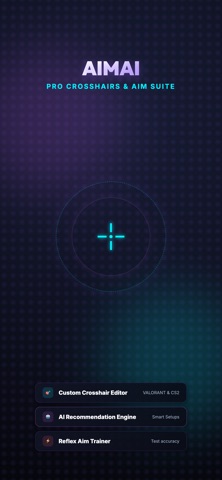
Customize the listed crosshair settings, from color and opacity to the center dot and gap.
 AimAIApp Store
A crosshair design companion
Adjust color, opacity, outlines, thickness, line length, center dot, and spacing in AimAI. Explore advisor suggestions and keep favorite designs together while you decide what is readable in your own game setup.
Some features may require an in-app purchase or subscription. Check the App Store for current availability and pricing.
Inside the app
Customize the listed crosshair settings, from color and opacity to the center dot and gap.
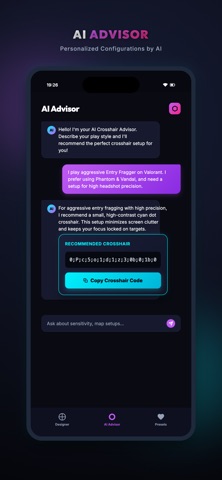
Describe your playstyle to the AI advisor for a suggested crosshair setup and code. Treat the recommendation as something to compare, not a performance promise.
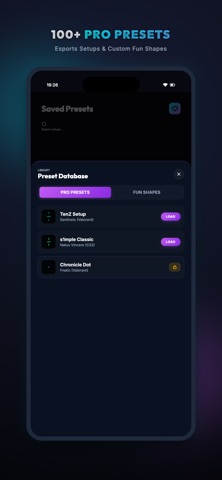
Save favorites in a library with their settings and timestamps so you can revisit alternatives.
AimAI
Start with a concrete issue, such as losing thin lines against a bright background.
Adjust a single setting or use an advisor suggestion as a new candidate. Preserve your original settings.
Use the supplied setup information where supported, check the result in-game, and compare under similar conditions.
AimAI
Choose a simple starting design and compare visibility in different scenes.
Read the guideA repeatable personal comparison for visual clarity and distraction.
Read the guideDescribe what you see and want to change instead of requesting guaranteed results.
Read the guideDocument settings, context, and reasons so experiments do not become a pile of mystery codes.
Read the guideAimAI is a crosshair design companion, not a guarantee of better aim, rank, or results. No official game affiliation is claimed. Compatibility can depend on the game version and supported settings. Check the current listing and purchase screen for any paid features.
A crosshair design companion